

SPD Driver R4.20.0901 allows you to connect your smartphone, tablet, and other devices running on Spreadtrum or UniSoc chipsets to a Windows computer without installing a separate PC Suite application.
In addition, this driver can be helpful if you try to connect your Spreadtrum/UniSoc devices to your Windows computer to transfer or sync data between the devices and the computer.
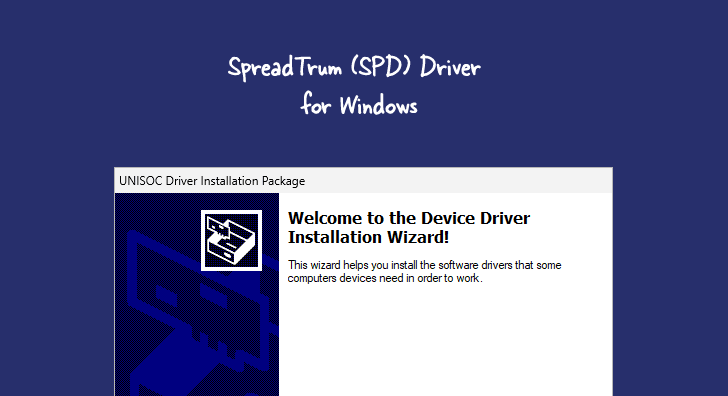
SPD Driver R4.20.0901 for Windows
The SPD Driver R4.20.0901 enables your smartphone or tablet running a Spreadtrum (SPD) or UniSoc chipset to connect to a Windows computer, facilitating data transfer between the two devices. It also supports data synchronization, allowing you to back up and restore data on the device from the computer.
There may be various situations where it is necessary to install the SPD Driver to establish a connection between a device and a computer. Such situations may include:
- Transferring data between the device and the computer in either direction.
- Freeing up space on the device.
- Installing the stock firmware (operating system) on the device.
- Writing/flashing the IMEI number on the device.
Download SPD Driver R4.20.0901
| Name | SPD Driver R4.20.0901 |
| Type | USB Driver for Spreadtrum / UniSoc Phones |
| Developer | Spreadtrum / UniSoc |
| File Name | SPD-Driver-R4.20.0901.zip |
| File Size | 10.97 MB |
| Version | R4.20.0901 |
| Supports | Microsoft Windows (32-bit and 64-bit) |
Frequently Asked Questions
What is SPD Driver R4.20.0901?
SPD Driver, also known as Spreadtrum USB Driver or UniSoc VCOM Driver, enables the communication between a computer and devices that use Spreadtrum or UniSoc chipsets. Manufacturers commonly use these chipsets in budget Android smartphones and feature phones.
How do I install the SPD Driver R4.20.0901?
The SPD Driver R4.20.0901 can be installed by downloading the .exe file (or setup) and running it on the computer. The installation process is similar to that of a standard Windows application. Instructions on properly installing the drivers can be found on the How to install the SPD Driver page.
Is SPD Driver R4.20.0901 Free?
Yes, the SPD Driver R4.20.0901 is free, as it is officially provided by the Spreadtrum/UniSoc community for users of Spreadtrum- and UniSoc-powered mobile devices.
Is SPD Driver R4.20.0901 Safe?
Yes, the SPD Driver R4.20.0901 is safe for computers, laptops, and Spreadtrum/UniSoc devices. Additionally, as the official chipset community releases it, it is guaranteed to be secure for use on the computer.
Does SPD Driver R4.20.0901 support SPD Flash Tool / Research Download Tool?
Yes, SPD Driver R4.20.0901 supports the official Spreadtrum Flash Tool (also known as SPD Upgrade Tool or Research Download Tool), which is commonly used to flash firmware, custom recovery, and other software onto Android devices that use Spreadtrum or UniSoc chipsets.
Does SPD Driver R4.20.0901 support IMEI Write Tools?
Yes, SPD Driver R4.20.0901 supports IMEI Write Tools for Spreadtrum/UniSoc devices, which are used to repair or write IMEI numbers onto Android smartphones and feature phones powered by these chipsets.
